Text to speech conversion from the command line
Create the message and output as a wav file
$ sudo apt-get install espeak
$ espeak -s 120 -v english-north "Merry Christmas from the Guff Gibbos. Come back on the 22nd of December when this message will be replaced. This message was made in Upper Ramsbottom without the use of AI -w christmas2025.wav"
Convert to mp3
$ ffmpeg -i christmas2025.wav -acodec mp3 christmas2025.mp3
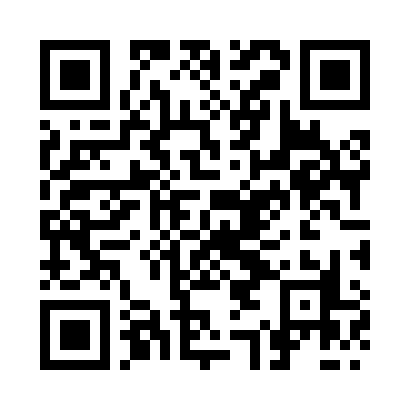
Generate QR code to point to the file
$ sudo apt-get install python3-qrcode
$ qr "https://www.chegwin.org/media/christmas2025.mp3" --output=christmas2025_qrcode.png